EasyEDA to KiCad Converter
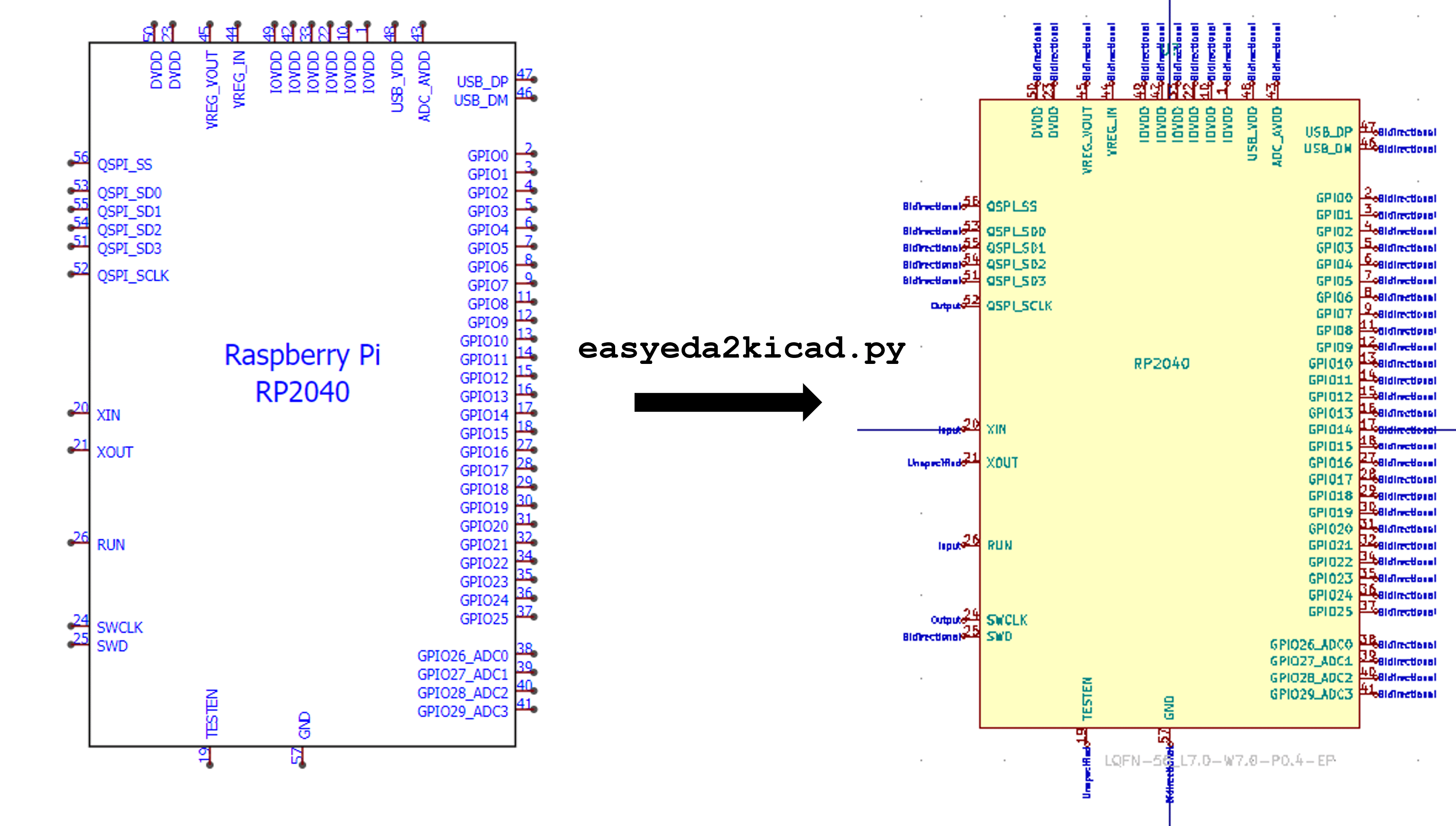
When I design PCBs in KiCad, I source most of my components from LCSC for JLCPCB assembly. The problem is that LCSC hosts its component models in EasyEDA's proprietary format. Manually recreating symbols, footprints, and 3D models for every part is tedious and error-prone.
easyeda2kicad.py (by uPesy Electronics) solves this. It converts any LCSC component into KiCad library files with a single command.
I forked it after EasyEDA's API started rejecting requests made with the
default Python user-agent string. My fork adds a browser-like User-Agent
header and a Referer header to prevent these rejections.
My personal KiCad library, gs-kicad-lib, calls easyeda2kicad as a CLI
subprocess. When I need a new LCSC component:
python -m easyeda2kicad --full --lcsc_id=C2040 --output=gs-kicad-lib
That fetches the component data, parses EasyEDA's proprietary shape format, and exports a KiCad symbol, footprint, and 3D model into my library. Every KiCad project on my machine can then reference the part. The tool also supports batch processing for populating a full BOM at once.
Repository
github.com/georgesleen/easyeda2kicad.py
Upstream: github.com/uPesy/easyeda2kicad.py